
Table of Contents
Authentication technology was developed to protect user accounts from unauthorized access. What are the current authentication methods, and which is the best for individuals and organizations?
Understanding Authentication
Imagine attending an event open only to invited guests. You need to prove your identity to the security team, perhaps by showing an invitation, providing an ID, reciting a password, or using facial recognition. Digital authentication works similarly, verifying and confirming a user’s identity before granting access to a system or service, ensuring data and asset security.
The Four Most Popular Authentication Methods
1. Password Authentication
Passwords have been used since ancient times, evolving from secret phrases to digital passwords in the 20th century. Despite being nearly a century old, this method remains widely used.

Advantages:
- Familiarity: Passwords have been around for over 60 years and are the most common authentication method.
- Easy Implementation: Setting up password-based systems is relatively simple without requiring special hardware or software.
- Flexibility: Users can create and change passwords easily.
Disadvantages:
- Vulnerability: Every second, 1,728 passwords are hacked, equating to 111 million compromised passwords daily. Passwords have long been proven susceptible to typical cyberattacks.
- Inconvenience: Users must remember numerous passwords, often dealing with issues arising from forgotten passwords.
- Inefficiency: Managing and using passwords waste time, resources, and infrastructure, impacting individual and organizational productivity.
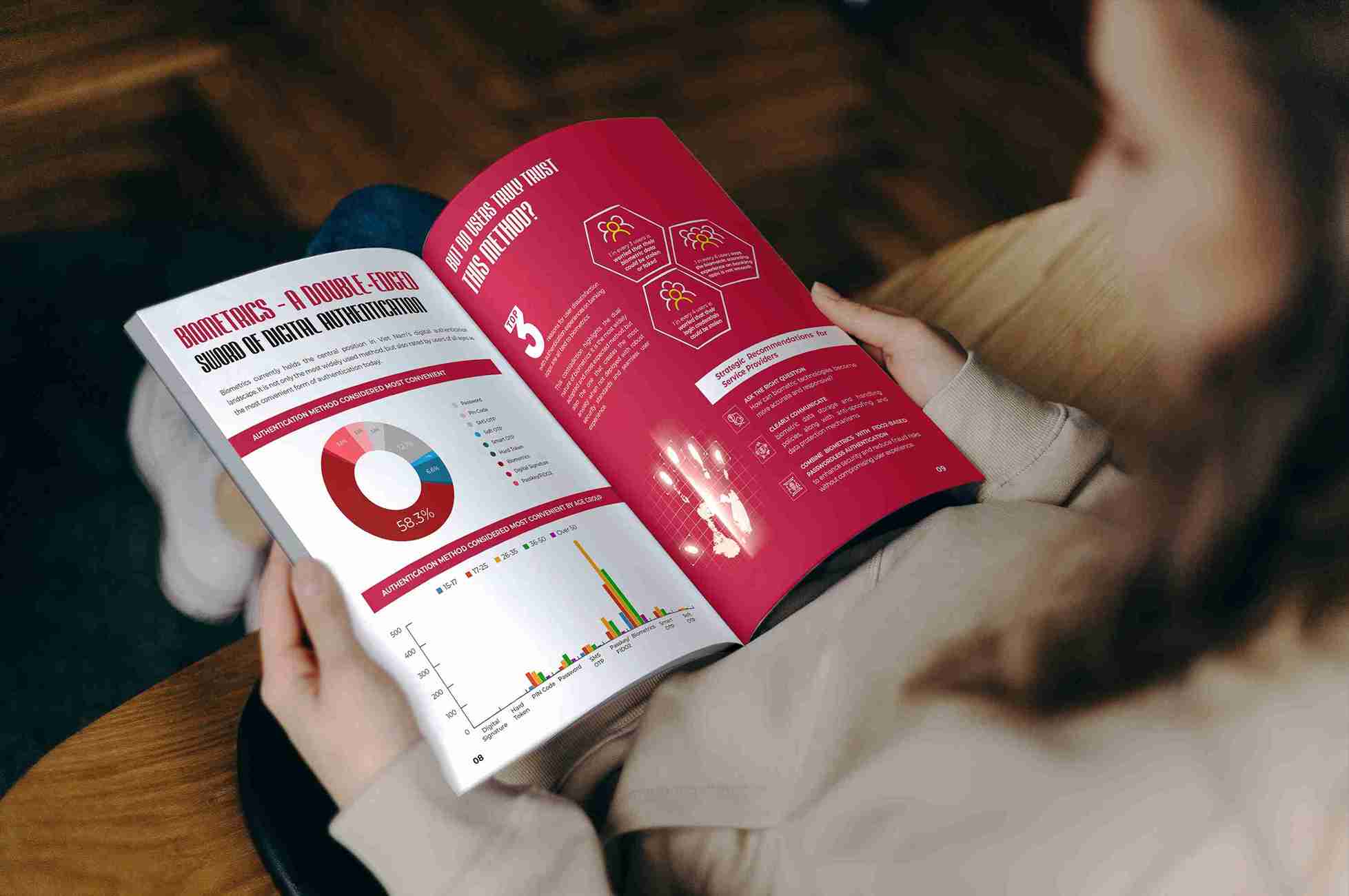
2. Biometric Authentication
Biometric characteristics, unique and non-replicable, such as fingerprints, facial recognition, voice, and iris scans, have become some of the most secure authentication methods available today.

Advantages:
- Cannot be Lost: Unlike passwords, biometric traits like fingerprints are always with you.
- Ease of Use: No need to remember passwords or carry authentication devices; use readily available body parts like your face or fingerprints.
- Easy Integration: Biometric technology can be easily incorporated into mobile devices, computers, or modern authentication systems.
Disadvantages:
- Irreplaceable: Unlike passwords, biometric data cannot be changed. If compromised, users cannot alter their biometric traits to secure their accounts.
- Susceptibility to Fraud: Advanced technologies can trick biometric systems. For example, AI-based deepfake technology can mimic voices or faces, increasingly used by hackers.
- Privacy Concerns: Biometric data is sensitive personal information. Collecting and storing it raises privacy and data security issues.
- Implementation Costs: Setting up and maintaining biometric systems is expensive due to the complex technology required.
3. Two-Factor Authentication (2FA) and Multi-Factor Authentication (MFA)
Instead of a single authentication step like entering a password, 2FA and MFA require two or more of the following three security factors:

- Knowledge Factor (Something you know): Information only you know, like a password, PIN, or security question answer.
- Possession Factor (Something you have): Items you own, like a mobile phone, smart card, or security key.
- Inherence Factor (Something you are): Unique biometric traits like fingerprints, facial recognition, iris scans, or voice recognition.
Advantages:
- Additional Security Layer: 2FA/MFA adds an extra layer of security to accounts.
- Easy Implementation: 2FA/MFA is widely adopted due to its ease of integration with phones, computers, and security devices.
- Flexible and Customizable: Individuals and organizations can select and combine authentication factors based on their needs and preferences.
Disadvantages:
- Added Complexity: An additional security layer means more steps and time for logging in, which may be cumbersome for some users.
- Device Dependence: If using an extra device for authentication, like a mobile phone, remembering or losing the device can help account access.
- Technical Issues: Technical glitches can interrupt the authentication process.
4. Passwordless Authentication with FIDO2
FIDO2, developed by the FIDO (Fast Identity Online) Alliance, represents a revolution in authentication. With over 250 global technology leaders like PayPal, VISA and Microsoft, FIDO2 promises a secure, convenient, and quick password-free login experience.
Using Public Key Infrastructure (PKI), FIDO2 eliminates the need to provide and distribute sensitive login information like passwords or biometric data, reducing the risk of information leakage and cyberattacks by 99.99%.
Instead of passwords, FIDO2 uses passkeys for authentication. There are two common types:
- Synced Passkey: Integrated into devices like phones, computers, and tablets, synced passkeys are embedded in popular browsers and platforms like Google, Microsoft, and TikTok. After registering for synced passkey authentication, users only need to perform simple actions like facial recognition, fingerprint scanning, or entering a PIN to log in.

- Device Bounced Passkey: Small hardware devices supporting account security, physical security keys connect via USB, lightning, Bluetooth, or NFC. They offer the highest security level, with many financial institutions mandating their use to protect user accounts and assets.

Advantages:
- High Security: Encryption using public-private key pairs ensures nearly absolute security. The private key for authentication always stays within the user’s device and is never transmitted to servers or third parties.
- Convenience and Speed: Users don’t need to remember or frequently change passwords, reducing login time significantly.
- Cross-Platform: FIDO2 supports multiple platforms and devices, including computers, mobile phones, and IoT devices.
- Scalability for Businesses: As an open standard, FIDO2 allows businesses to deploy and scale easily, providing a secure, convenient login experience for employees, customers, and partners.
Disadvantages:
- User Familiarity: Users’ habit of using passwords and reluctance to change means FIDO2 is less common than traditional methods. However, the global trend towards passwordless login is gaining momentum, led by Apple, Google, and Microsoft.
- Implementation: Deploying FIDO2 in businesses requires service provider consultation, training, system customization, and stakeholder support.
Choosing the Best Authentication Method
Choosing the best authentication method depends on the specific needs and priorities of individuals and organizations. Here are the key criteria for evaluating and deciding on the most suitable account security method:
- Security: Security is paramount for any individual or organization, especially in today’s complex digital environment. FIDO2, adhering to international standards, offers superior security with public-private key pairs, addressing most security vulnerabilities compared to previous methods.
- User Experience: Effective authentication methods should be convenient without too many steps or complex technical requirements. FIDO2 enhances the login experience by eliminating password dependency and accelerating the login process. Additionally, users should verify that the method supports multiple platforms and devices for seamless access across different devices. Organizations should choose methods that are easy to manage and operate, minimizing manual processes for IT teams.
- Cost: Besides security and functionality, organizations must consider the implementation cost, selecting the most suitable method within their financial and human resource constraints. While traditional passwords are cheap, managing and mitigating password-related risks incurs significant costs, affecting overall productivity.
- Scalability: Opt for authentication methods that can scale flexibly according to organizational size, handling large user volumes and high loads without compromising performance or user experience.
Comprehensive Comparison of Popular Authentication Methods
| Authentication Method | Security | User Experience | Cost | Scalability |
| Password | Low | Low | Low | Low |
| Biometric | Medium | High | High | Medium |
| 2FA & MFA | Medium | Medium | Medium | High |
| FIDO2 Passwordless | High | High | Medium | High |
Understanding the advantages and disadvantages of each authentication method is crucial for selecting the best fit for individual and organizational needs. The global trend towards “passwordless” security has proven FIDO2 to be one of the best methods, offering high security, convenience, and flexibility for both personal and enterprise needs.
VinCSS has successfully built the first passwordless authentication ecosystem in ASEAN and has been recognized twice as the leading passwordless strong authentication company in Southeast Asia and APAC. Our FIDO2 security keys have reached tens of thousands of users worldwide. As one of the first 13 companies globally to produce FIDO2-certified security keys, VinCSS offers two key models: VinCSS FIDO2® Touch 1 and VinCSS FIDO2® Fingerprint. VinCSS FIDO2® Touch 1 is perfect for those needing a compact, cost-effective security key, while VinCSS FIDO2® Fingerprint is modern, stylish, and packed with advanced features.
Our FIDO2 solutions, developed by VinCSS, have been deployed in many large enterprises, designed to meet specific organizational requirements by our internationally certified security experts. Schedule a demo of VinCSS FIDO2 products here.